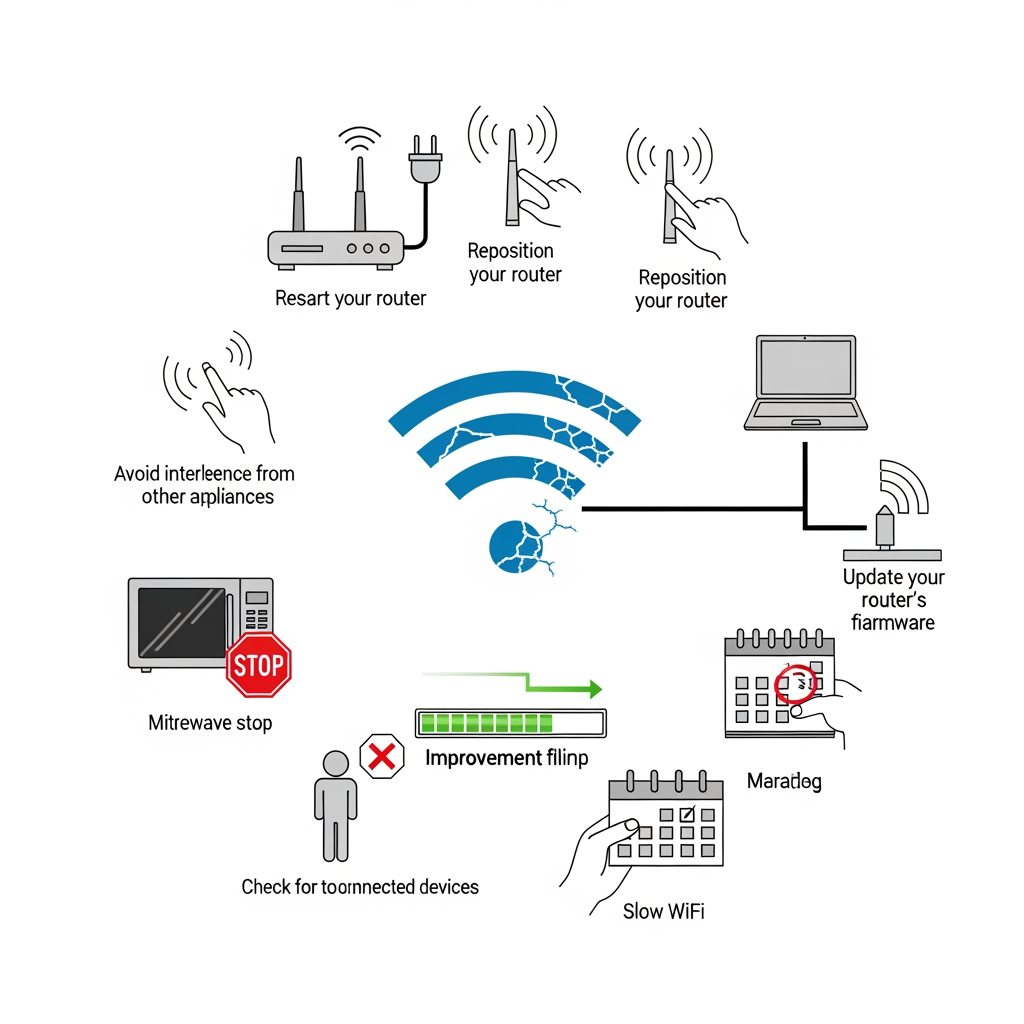
Slow internet frustrates everyone, but the problem often has nothing to do with your internet plan. Your WiFi setup might be sabotaging your connection speed.
Router Placement Matters More Than You Think
WiFi signals weaken as they travel through walls, floors, and furniture. Placing your router in a corner or closet forces signals to fight through obstacles to reach your devices. Move it to a central, elevated location for the best coverage.
Channel Congestion
In apartments and dense neighborhoods, dozens of routers compete for the same wireless channels. This interference slows everyone down. Access your router settings and switch to a less crowded channel, or enable automatic channel selection if available.
The 2.4 GHz vs 5 GHz Decision
The 2.4 GHz band travels farther but offers slower speeds and more interference. The 5 GHz band provides faster speeds but shorter range. Use 5 GHz for devices near the router and 2.4 GHz for those farther away.
When to Restart Your Router
Routers accumulate temporary data and minor errors over time. A weekly restart clears this buildup and often restores lost speed. Some routers allow scheduled automatic restarts.
This article was generated by AI to provide informational content.