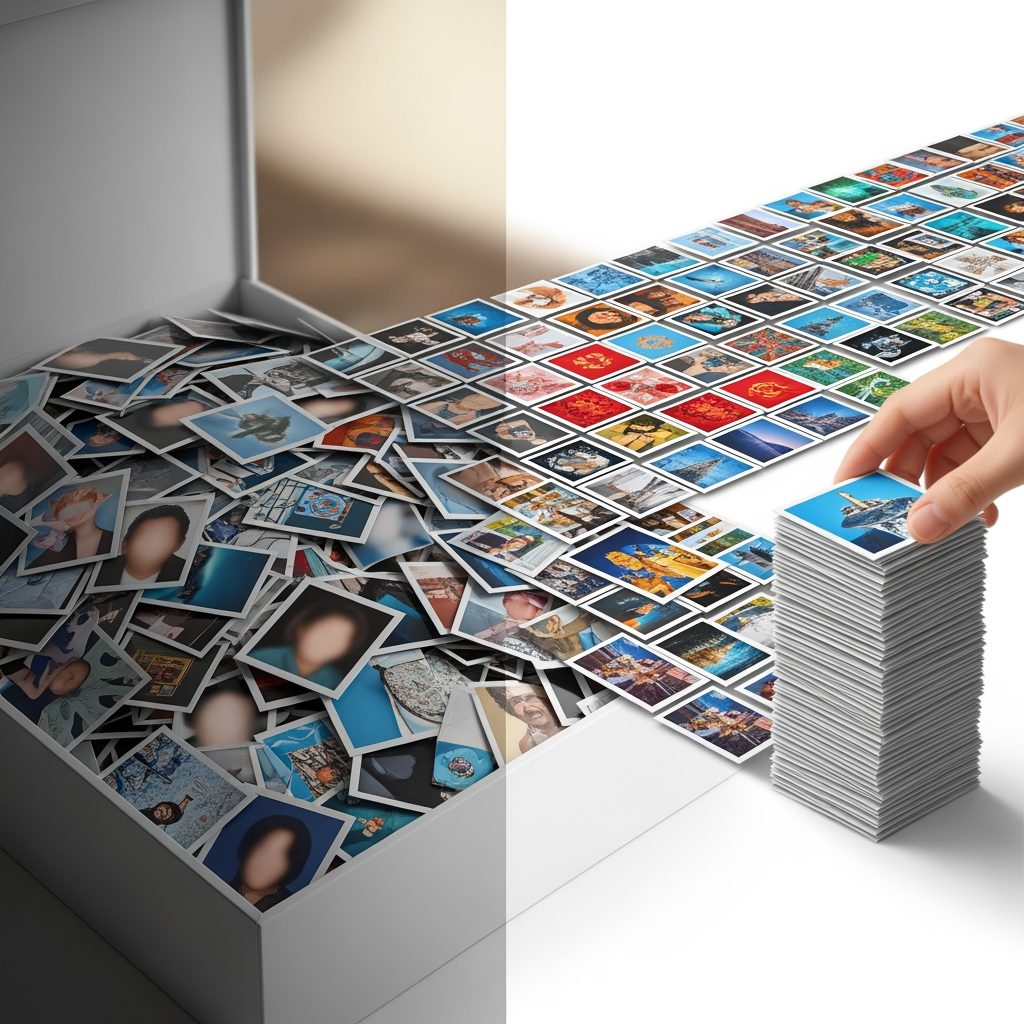
Your phone holds thousands of photos in chaotic disorder. Finding specific images requires scrolling endlessly. A system for organizing photos saves time and ensures precious memories remain accessible.
Choose One Storage Location
Photos scattered across multiple services and devices create confusion. Pick one primary platform—Google Photos, Apple Photos, or a folder-based system—and consolidate everything there. Backup to a secondary location for safety.
Create a Folder Structure
Organize by year, then by event or month within each year. Consistent naming conventions make folders predictable. "2024-06 Hawaii Trip" contains more information than "Vacation" and sorts chronologically.
Use Metadata and Tags
Modern photo apps can tag faces, locations, and objects automatically. Review and correct these tags periodically. Add custom tags for things algorithms miss, like specific events or inside jokes only you would recognize.
Delete Ruthlessly
You don't need seventeen nearly identical shots. Choose the best one or two and delete duplicates. Blurry photos, screenshots no longer relevant, and images of text you've already processed can all go. Quality beats quantity for a manageable collection.
Make It Routine
Monthly photo maintenance prevents overwhelming backlogs. Spend fifteen minutes sorting new photos, deleting rejects, and backing up. This small habit keeps chaos from returning.
This article was generated by AI to provide informational content.